
Can you use your own router?
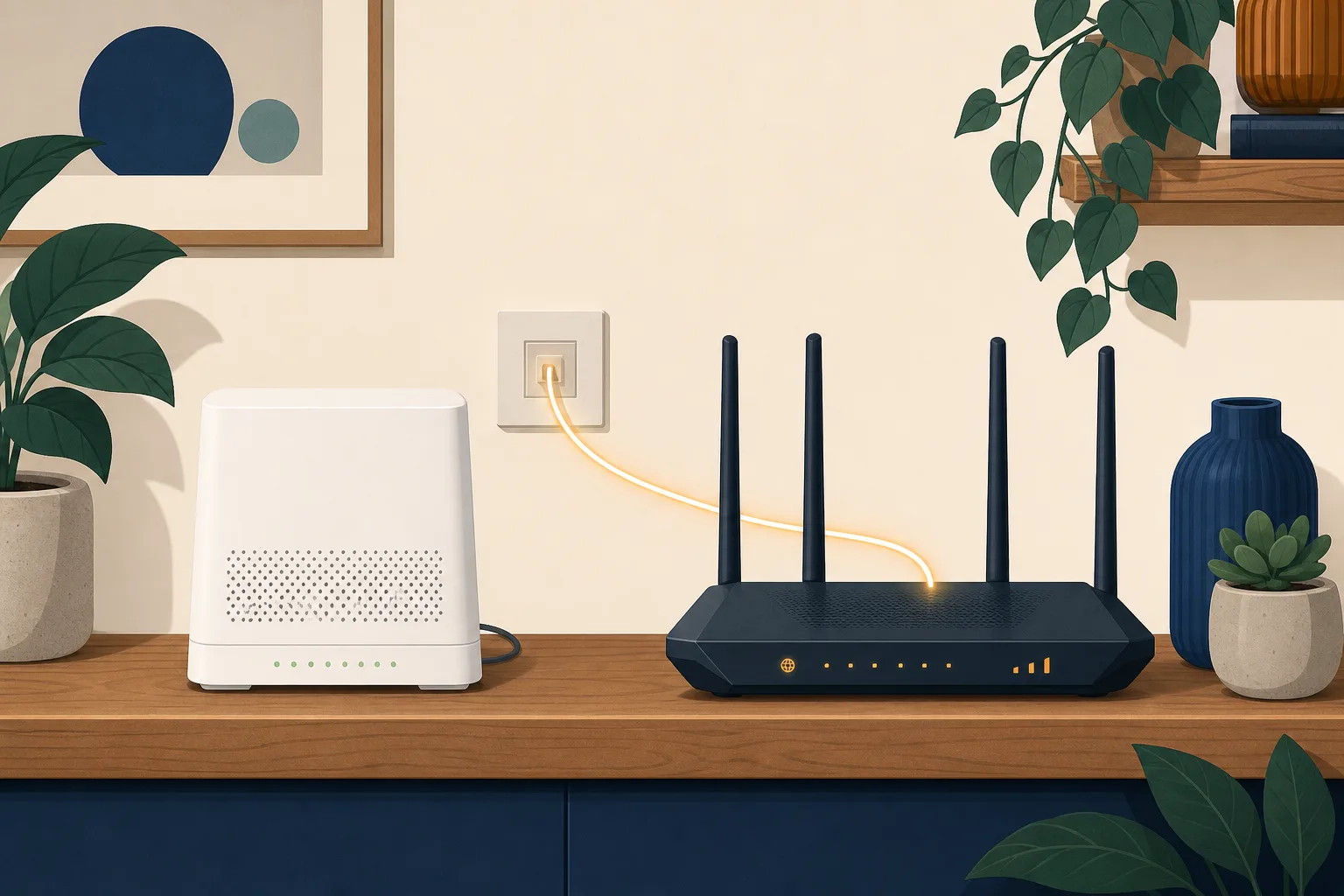
The router your provider posted you is fine. Right up until the day it isn't. Maybe the wifi gives up halfway down the hall, maybe you want settings their app won't show you, maybe there's a better box sitting in a drawer from the last house. So you start wondering whether you can use your own router instead, and the answer is usually yes. It's the part nobody mentions, the bit you find out after the old one is already unplugged, that's worth reading first.
Can you use your own router?
On most home broadband lines in Britain, yes. Your provider doesn't have to be pleased about it, and isn't obliged to help you set it up. Stopping you outright is a different matter, though, and the rules here are clearer than most people expect.
The obstacle is rarely permission. It's the login details. Your router has to identify itself to the network as your account, and on most lines that means a username and password your provider issues. Some hand them over on request. Some make you ask twice. Which yours does is the one thing worth settling before you spend anything, and you settle it by asking them, not by reading a review site.
What the rules actually say
The right sits in the open internet rules, retained in UK law as Article 3 of Regulation 2015/2120. It says end users have the right to access and distribute information, use the applications and services they choose, and use terminal equipment of their choice. Terminal equipment is the jargon for the box at your end of the line, which means your router.
Read what that does and doesn't give you, though. It's a right to connect equipment you chose. It isn't a right to be talked through the setup, to keep your support arrangement intact, or to have the provider's extra services follow you across. Those are separate things, and that's where the friction lives.
Full fibre made this easier than it used to be
On a full fibre line the translating is already done outside your router. The fibre terminates in a small box on the wall that converts light into an ordinary network connection, and your router simply plugs into it. Our guide to the ONT box covers what that thing is and why you shouldn't touch it.
Which makes the swap far simpler than it used to be. You're not hunting for a router with the right kind of modem built in, because the modem isn't your problem any more. Any router with an ethernet socket for the incoming line is a candidate. On the part-copper services that came before, your choice was a fraction of that.
What do you lose by swapping the router?
Three things, and the first one catches people out because it has nothing to do with the internet.
- The phone. As the old copper phone network is retired, home phones move onto the broadband connection and plug into a socket on the router itself. That service is set up on the box your provider supplied. Swap the box and the handset usually goes quiet until somebody tells you how to reconfigure it, assuming they will. Our guide on broadband without a landline explains what else changes when the phone moves across.
- The easy support call. Report a fault on your own router and a reasonable first question is whether the problem follows the hardware. Expect to be asked to reconnect the original router before anyone investigates the line. That isn't obstruction, it's how you rule out the obvious, but it does mean keeping the old one rather than binning it.
- Whatever came bundled. Provider routers increasingly arrive with mesh extenders, parental controls tied to an app, and a speed promise that assumes their equipment. Some of that is marketing. Some of it is a working setup you're about to replace with one you maintain yourself.
Will your own router make your broadband faster?
Almost certainly not, if by faster you mean the number on your bill. That figure is set by the line and the package, and no router raises it.
What a better router can genuinely fix is the gap between the speed arriving at the house and the speed reaching a laptop two floors up. Those are different measurements, and wifi is what separates them. Test with a cable plugged straight into the router and you're measuring the line. Test on a phone in the kitchen and you're measuring that spot, on that device, at that moment.
The distinction matters beyond curiosity. Providers signed up to Ofcom's broadband speed codes of practice give you a minimum guaranteed speed and let you leave without a penalty if the line stays below it. A wifi reading won't support that conversation, because it measures something your provider never promised. If you're weighing up what you actually need in the first place, what broadband speed do I need works through it.
When it's worth doing
- You want control. Fixed addresses for devices, your own DNS, a proper guest network, a VPN running on the router. Provider firmware tends to hide or omit all of it.
- You already own something better. Plenty of households have decent kit left over from a previous line. Reusing it is cheaper than being given a box you didn't choose.
- The provider's box is genuinely old. Worth checking rather than assuming, because this has shifted. Several networks we track now ship current-generation wifi hardware as standard, so the upgrade you're picturing may already be on the shelf in the hall.
And when it isn't. If the real complaint is that the signal dies at the back of the house, a mesh system alongside the provider's router fixes that without touching your account, your phone service or your support position. Coverage inside the home is a different problem from which router does the connecting. Muddle the two and you've handed yourself a configuration project you never wanted.
Our view
The right to use your own router is real, and on full fibre it's more usable than it has ever been. It's also more of a commitment than the forums let on. You're taking on the setup, the phone service and the first line of fault-finding, all at once.
So it depends on what you're trying to fix. Coverage? Add to what you already have. Control? Swap the box, ask for the login details before you buy anything, and keep the old router in a cupboard. Either way, the router isn't what decides how good your connection can be. The line is, and that comes down to which networks have built to your address, which you can check here.
Frequently asked questions
Will my provider let me use my own router?
Most will let you connect one. Whether they will hand over the login details your router needs is the part that varies, so ask before you buy anything. Their answer, and any conditions attached to it, should be in the terms you agreed to rather than in a forum post about somebody else's account.
Do I have to send the provider's router back?
Usually not while you are still a customer, and it is worth keeping it in the cupboard either way. If you report a fault, the first thing you are likely to be asked is to put the original router back so the provider can rule out your kit. Some providers do want theirs returned when you leave, so check before you recycle it.
Does a better router increase my broadband speed?
It cannot raise the speed arriving at the house, because that comes from the line and the package you bought. It can improve what reaches a device in a far corner of the home, which people often experience as the same thing. If the number is low on a wired connection, the router is not the problem.
What happens to my home phone if I swap the router?
On a modern line the phone plugs into the router rather than a wall socket, so the phone service is configured on the box your provider supplied. Move to your own router and the handset usually stops working until the provider tells you how to set it up, if they will. If anyone in the house relies on that phone, sort this out first.
Is a mesh system better than replacing the router?
For a coverage problem, often yes, and it is the less disruptive option. Adding mesh units leaves the provider router in place doing the authentication and the phone, so nothing about your account changes. Replacing the router outright makes sense when you want control of the network itself.